 homeofdecor.online
Working from home only feels productive when the space around you actually supports the work you do. Learning how to create a functional home office is not about buying expensive gadgets or copying a magazine-style setup, it is about matching your furniture, lighting, and layout to how you actually work each day.
A functional home office reduces distractions, protects your posture, and gives your brain a clear signal that it is time to focus. Whether you are working with a spare bedroom or a small corner of your living room, the same core principles apply. This guide walks through every element you need to consider, from location to daily maintenance, in a simple and practical way.
Choosing the Right Location and Furniture
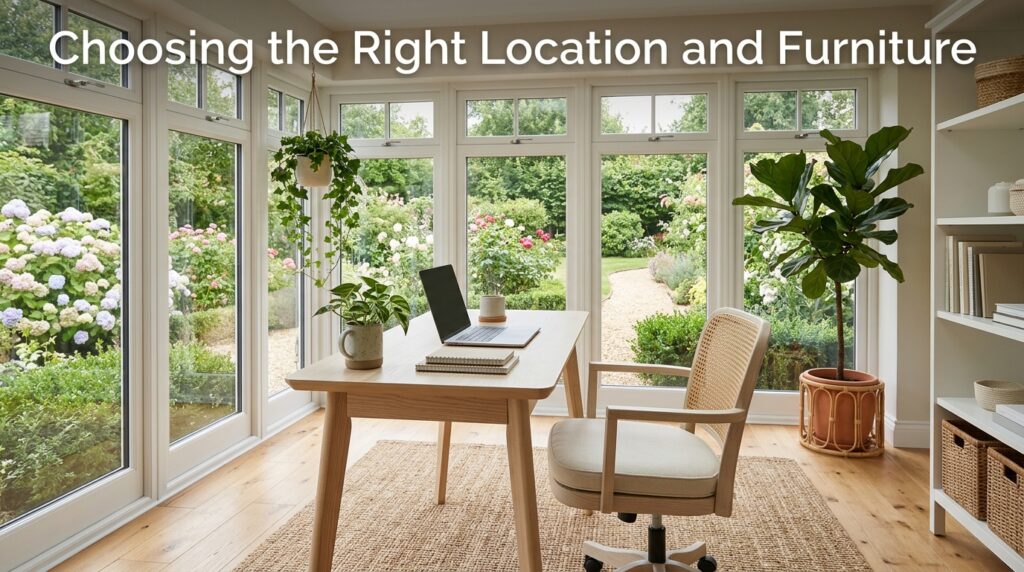
The starting point for how to create a functional home office is picking the right spot and pairing it with furniture that supports long hours of work. Location affects your focus, while furniture affects your body, so both decisions deserve equal attention before you buy anything.
Selecting a Quiet Location
Pick a corner of the house with the least foot traffic and the fewest distractions, ideally somewhere with a door you can close during calls.
Natural light matters here too, since a space near a window tends to keep energy levels higher throughout the day. If you do not have a spare room, even a partitioned section of a larger room can work as long as it feels visually separate from the rest of the house.
Investing in Ergonomic Furniture
A chair that supports your lower back and a desk at the correct height are not luxury items, they are the two pieces of furniture that directly affect your health over time.
Poor posture from mismatched furniture leads to fatigue and pain that shows up weeks or months later, not immediately. Spend more of your budget here than on decorative pieces, since this is the part of the setup you will physically interact with every single day.
Optimizing Desk and Chair Height
Your monitor should sit at eye level and your elbows should rest at roughly ninety degrees when typing, which usually means the desk height and chair height need to be adjusted together, not separately.
Many people set up their chair first and then realize the desk is too low or too high for that position. A few minutes of adjustment when you first set up the room saves you from constant discomfort later.
Lighting and Technology Essentials
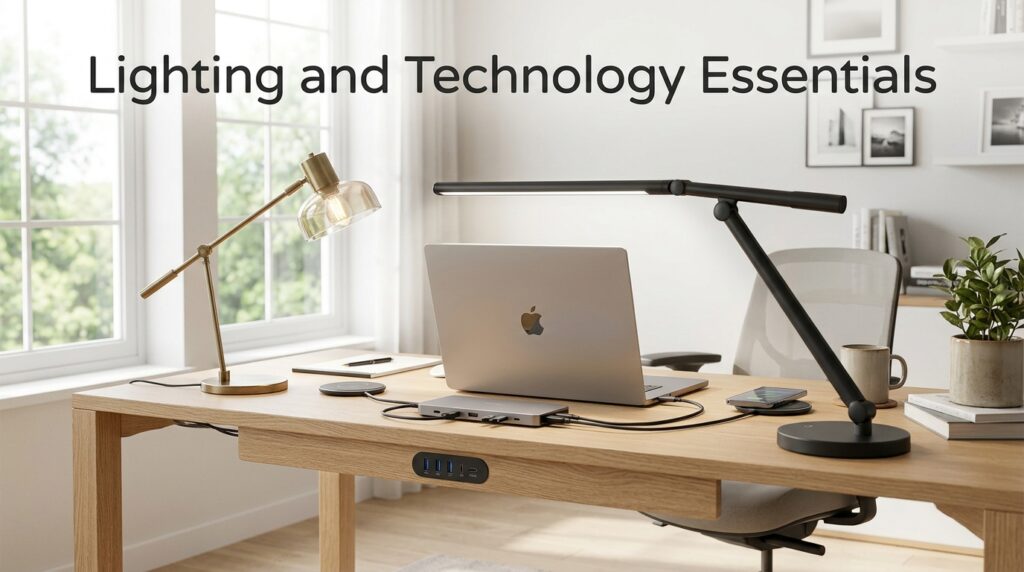
Good lighting and dependable technology form the practical backbone of any home office, since even the best furniture cannot compensate for eye strain or a slow internet connection.
These two elements are often overlooked because they are less visible than furniture, but they affect your work quality every single hour of the day.
Natural and Task Lighting
Position your desk so that natural light comes from the side rather than directly behind or in front of your screen, which prevents glare and reduces squinting.
Add a warm, adjustable desk lamp for early mornings or evenings when daylight is not available. Avoid relying only on overhead lighting, since it tends to create shadows and flat, tiring light across your workspace.
Reliable Internet and Devices
A functional home office depends on a stable internet connection, a computer that can handle your workload, and basic accessories like a webcam and microphone if you attend calls regularly.
Keep a backup plan in mind, such as a mobile hotspot, for situations when your main connection drops during an important meeting. Investing in slightly better hardware upfront usually costs less than the lost time from constant technical issues.
Organization and Storage Solutions
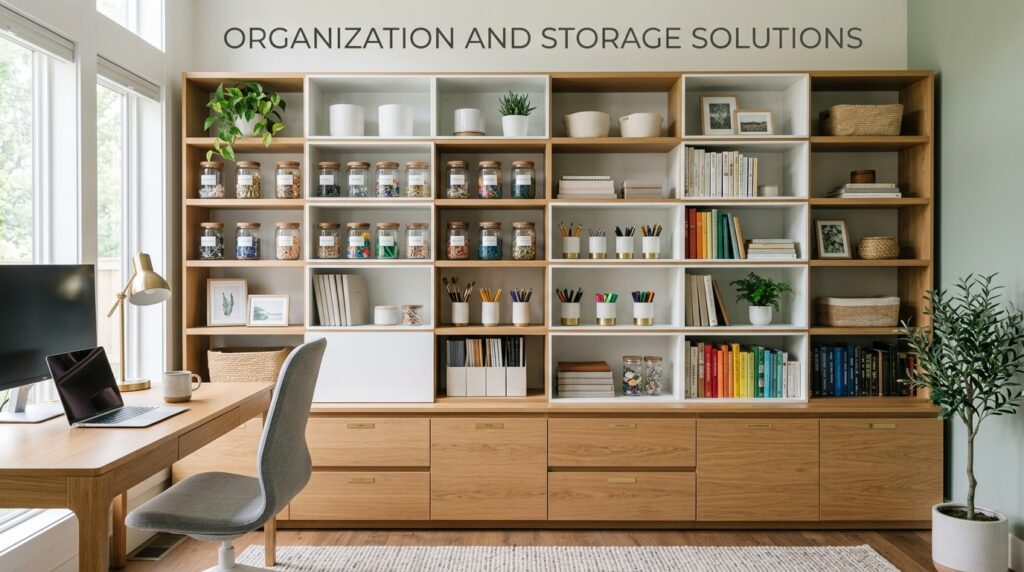
Clutter is one of the fastest ways to make a home office feel chaotic, even when the furniture and lighting are already well planned. Building in proper storage and cable management from the beginning keeps the space usable instead of turning it into another place you avoid working in.
Storage Systems That Actually Get Used
Open shelves work well for items you reach for daily, while drawers and filing cabinets are better for documents you need to keep but do not access often.
The mistake most people make is buying storage furniture that looks good but does not match how they actually organize paperwork, which means things pile up on the desk instead. Choose storage based on your real habits, not on what looks tidy in a photo.
Cable Management for a Cleaner Desk
Loose cables under a desk are both a visual distraction and a tripping hazard, so simple clips, sleeves, or a cable tray solve most of this problem quickly.
Group cables by device and label them if you regularly plug and unplug equipment. This step takes less than an hour but noticeably changes how organized the whole office feels.
Comfort, Noise Control, and Personalization
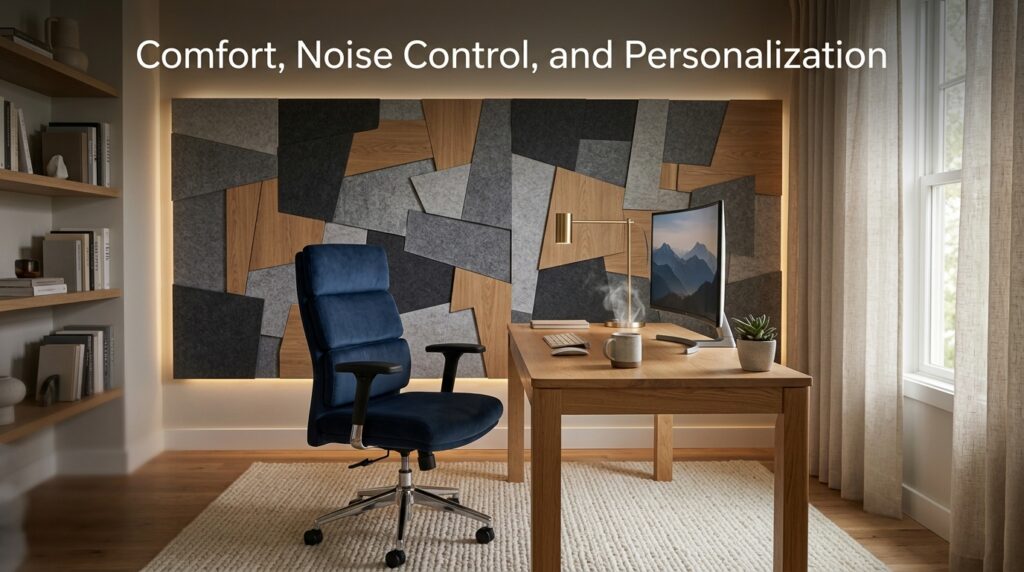
Comfort is not only physical, it also includes how the space sounds and how it feels to spend time in. A functional home office should feel calm enough to concentrate in but personal enough that you actually enjoy being there for several hours a day.
Managing Noise in Shared Homes
If your home office sits near a busy part of the house, a thick rug, heavier curtains, or foam panels can noticeably reduce echo and outside noise.
A pair of noise-canceling headphones is a practical backup option for days when the household is louder than usual. Small changes like these often make a bigger difference than expensive soundproofing renovations.
Personalizing the Space Without Cluttering It
Adding a plant, a piece of artwork, or a few personal items makes the office feel less sterile and more motivating to sit in every day.
The key is restraint, since too many decorative items start competing with your workspace for attention. Aim for a handful of items that genuinely make you feel comfortable rather than filling every empty surface.
Keeping Work and Home Life Separate
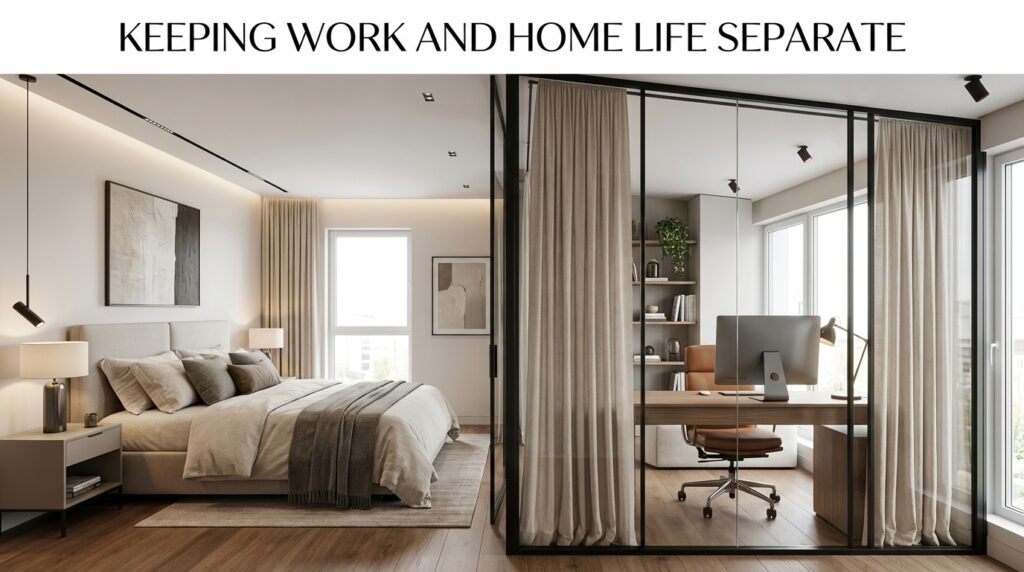
Even in a small apartment, a visual boundary between your workspace and your living space helps your brain switch between “work mode” and “home mode” more easily.This can be as simple as a room divider, a curtain, or simply facing your desk toward a wall instead of the living room.
Closing a laptop and physically stepping away from that spot at the end of the day, even by a few feet, reinforces the same boundary and helps prevent work from mentally bleeding into your evenings.
A Quick Look at Leading Home Office Furniture Brands
If you are furnishing your space from scratch, it helps to know how the major furniture brands compare, since each one serves a slightly different budget and priority.
| Brand | Best For | Price Range | Key Strength |
| IKEA | Budget-conscious buyers | Low to mid | Affordable, flat-pack furniture with wide availability |
| Steelcase | Long work hours | Mid to high | Strong ergonomic engineering |
| Herman Miller | Premium comfort | High | Award-winning ergonomic design |
| Wayfair | Fast online shopping | Low to mid | Large catalog with quick delivery |
| Ashley Furniture / HNI | Value and variety | Low to mid | Wide distribution and broad style range |
IKEA remains the most accessible option for most people learning how to create a functional home office on a budget, while Steelcase and Herman Miller suit those prioritizing long-term ergonomic support.
Wayfair works well if you prefer shopping entirely online, and Ashley Furniture or HNI are solid middle-ground choices when you want variety without paying premium prices.
Frequently Asked Questions
What is the most important factor in a functional home office?
Ergonomic furniture, particularly your chair and desk height, has the biggest long-term impact on comfort and health. Lighting and organization matter too, but poor posture causes problems that build up gradually and are harder to reverse. Start your budget and planning with these two pieces first.
Can a small space still be a functional home office?
Yes, a functional home office does not require a full spare room, since a well-organized corner with the right chair, desk, and lighting works just as well. The key is creating a visual and physical boundary between that corner and the rest of the room. Size matters far less than how intentionally the space is set up.
How much should I spend when setting up a home office?
Spending priorities should follow how often you use each item, so the chair and desk deserve the largest share of your budget. Lighting and storage can often be added gradually without hurting your workflow. A functional setup is achievable at almost any budget if the spending order is right.
Do I need natural light for a productive home office?
Natural light is not mandatory, but it does help regulate energy and mood throughout a workday, so it is worth prioritizing if you have a choice of rooms. If natural light is not available, a well-placed daylight-toned lamp is a reasonable substitute. The goal is consistent, glare-free lighting rather than a specific light source.
Conclusion
Learning how to create a functional home office comes down to a few consistent decisions repeated across location, furniture, lighting, storage, and daily boundaries.
Among the major furniture brands, IKEA suits budget-first buyers, Steelcase and Herman Miller suit comfort-first buyers, and Wayfair or Ashley Furniture suit those wanting convenience and variety. None of these steps require a large budget or a dedicated room, only a setup that genuinely matches how you work.
Related Articles
Minimalist Home Decor Essentials: A Complete Guide
Black Home Decor: The Complete Guide to Styling Your Space with Black
Personalized Home Decor: A Complete Guide to Custom Interior Styling
Vintage Home Decor: A Complete Guide to Creating a Timeless Home
Home Decoration: A Complete Guide to Styling Your Home Beautifully